A DIY RAG system using LangChain
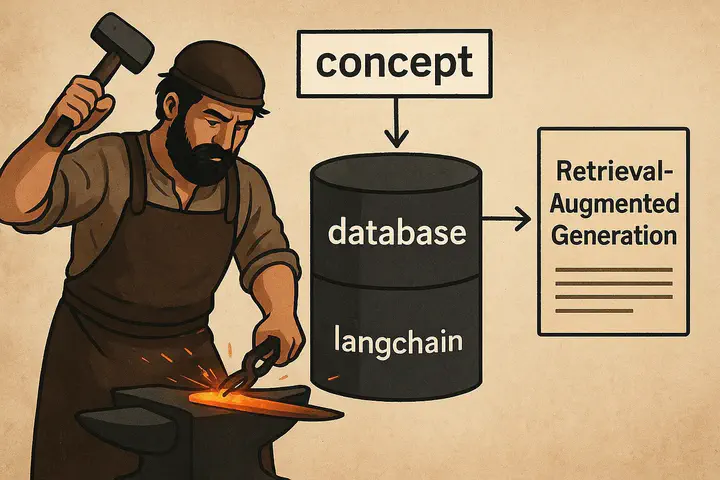 The image is generated using ChatGPT
Table of Contents
RAG is one of an important concept in Large Language Modeling that prevents LLMs from hallucinating. Having understood what it is and how it works, I wanted to write a RAG code from scratch. To do this, the main thing I needed was an external database that the model can retrieve information from.
As a curious learner, I rely heavily on note-taking to understand and connect ideas, and Obsidian has been my go-to tool. What drew me in was its ability to link concepts seamlessly and store everything in Markdown (.md) format, making my notes easy to organize and even publish. Inspired by this, I thought of building a retriever system that could act as a personal QA assistant — capable of answering questions directly from my own notes.
The entire code and the setup is defined in the github and the small portion of my notes (used for RAG database) is available for download here.
Before we begin, we need to create an account in OpenAI API portal and setup an API_KEY to run the code.
Note: OpenAI needs a minimum of $5 hold to use the API and setup the API keys
Setup
Setup the conda environment and install the necessary packages using the requirements.txtconda create --name "environment_name" python="python_version" conda activate "environment_name" pip install -r requirements.txt
Code
First we setup the necessary libraries required for the entire project which includes gradio for chat interface and langchain for RAG and LLM components.
import os
import glob
import gradio as gr

from langchain.document_loaders import DirectoryLoader, TextLoader
from langchain.text_splitter import CharacterTextSplitter
from langchain.schema import Document
from langchain_chroma import Chroma
from langchain_openai import OpenAIEmbeddings, ChatOpenAI
from langchain.memory import ConversationBufferMemory
from langchain.chains import ConversationalRetrievalChain
Define variables which include the name of the model you want to interface with in OpenAI, the name of the vector store and the API key for OpenAI.
# Setup the GPT model you want to use (GPT-4o-mini is a cheap option)
model = 'gpt-4o-mini'

# Name of the database where the chunks of external documents are vectorized
db_name = 'knowledge_database'

# Enter your OPENAI_API_KEY as environment variable
os.environ['OPENAI_API_KEY'] = "YOUR_OPENAI_API_KEY"
Read the documents using DirectoryLoader and TextLoader from the concepts folder that is downloaded from the google drive.
# Point to the `concepts` folder downloaded from the Google Drive
folders = glob.glob("concepts/*")
documents = []

# Goes through each folder and reads all the md files in it
for folder in folders:
    doc_type = os.path.basename(folder)
    loader = DirectoryLoader(folder, glob="**/*.md", loader_cls=TextLoader, loader_kwargs={"encoding": 'utf-8'})
    folder_docs = loader.load()
    for doc in folder_docs:
        doc.metadata['doc_type'] = doc_type
        documents.append(doc)
Divide the data read from the concepts folder into chunks of size 2000 with an overlap of 400 characters.
# Split the documents into chunks
text_splitter = CharacterTextSplitter(chunk_size=2000, chunk_overlap=400)
chunks = text_splitter.split_documents(documents)
Create a vector store for the chunks

# Create a vector storage
embeddings = OpenAIEmbeddings()
if os.path.exists(db_name):
    Chroma(persist_directory=db_name, embedding_function=embeddings).delete_collection()
vectorstore = Chroma.from_documents(documents=chunks, embedding=embeddings, persist_directory=db_name)
Setup the LLM, memory and retriever for RAG system and launch the UI.
# Create LLM, memory and retriever and start a conversation chain
llm = ChatOpenAI(temperature=0.8, model_name="gpt-4o-mini")
memory = ConversationBufferMemory(memory_key="chat_history", return_messages=True)
retriever = vectorstore.as_retriever()
conversation_chain = ConversationalRetrievalChain.from_llm(llm=llm, retriever=retriever, memory=memory)
# Define a chat function which Gradio will use to communicate with LLM
def chat(message, history):
    result = conversation_chain.invoke({"question": message})
    return result["answer"]

# Start the chat interface
view = gr.ChatInterface(chat, type="messages").launch()
Results
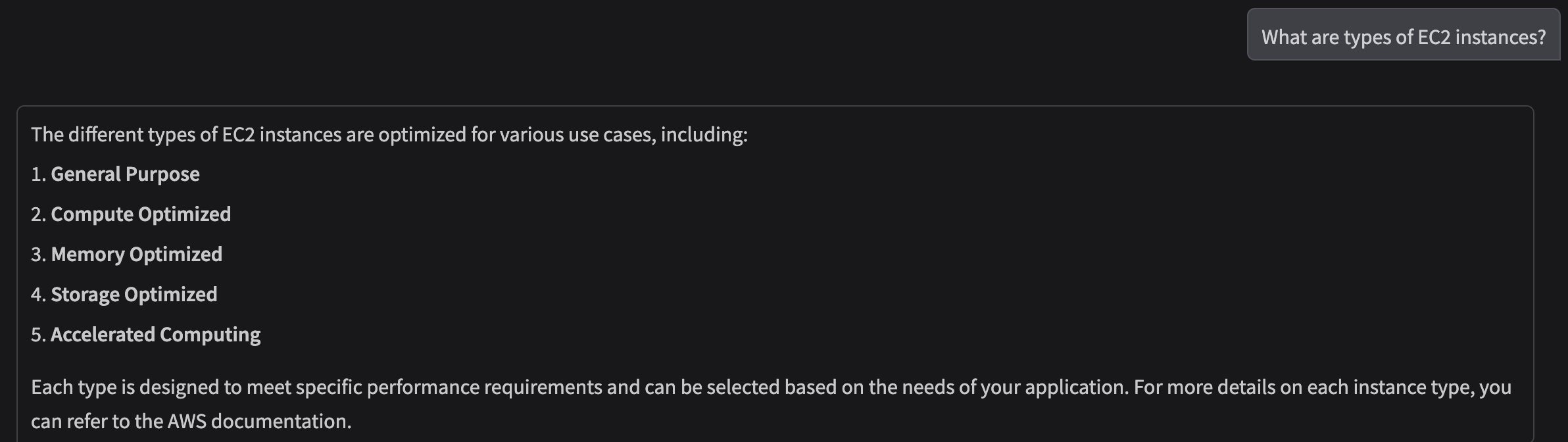
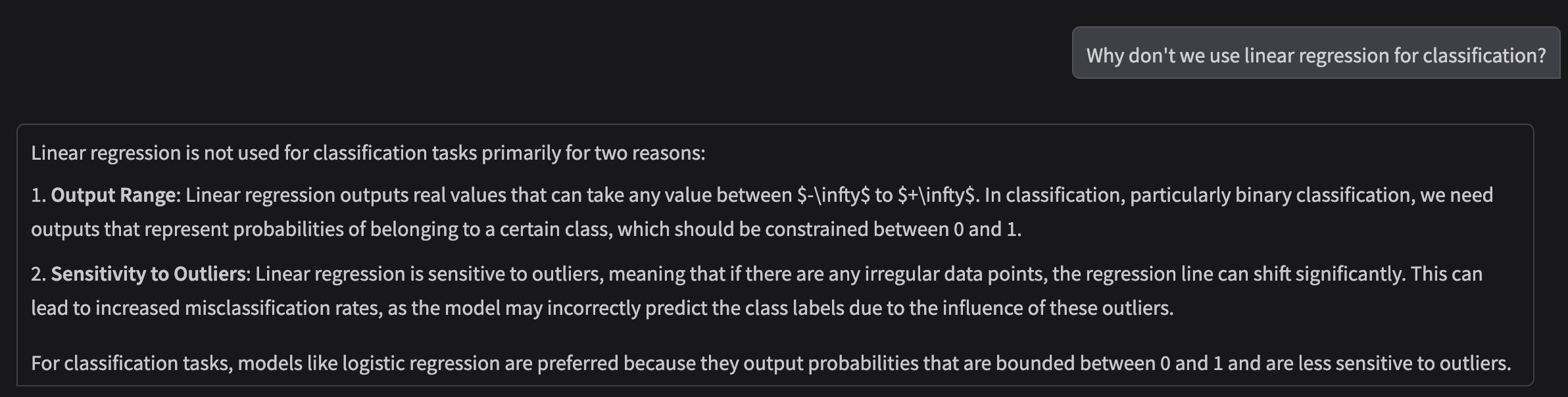
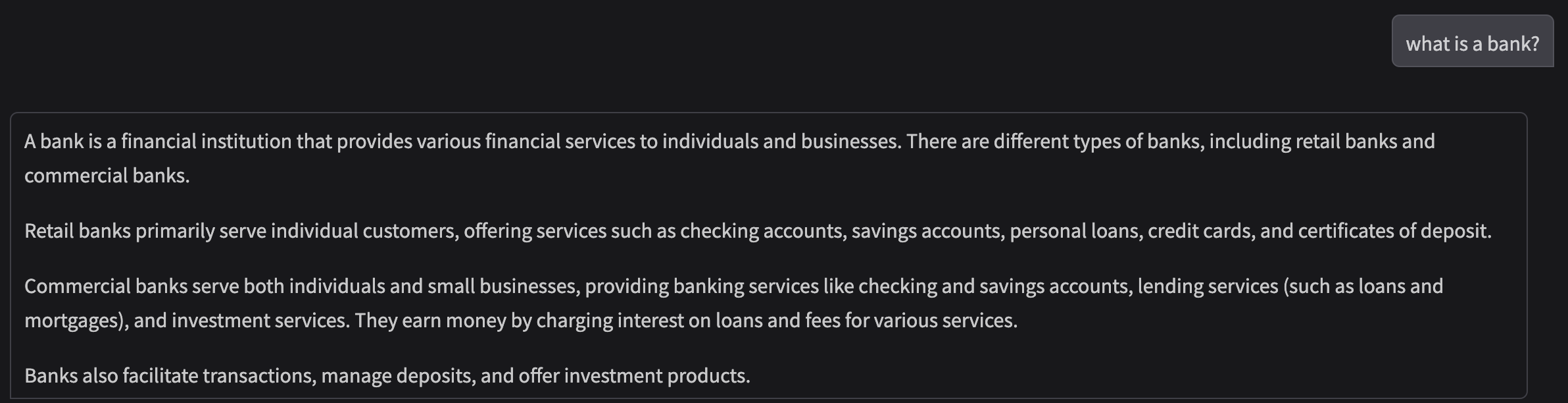
REFERENCE
Linked is a good course in Udemy that is a good place to understand LLMS, and Agentic AI with hands-on experience.
Pradeep Bajracharya
PhD Student in Machine Learning
My primary research focus is on Deep Active Learning and its application with Deep Learning on Medical Imaging.